1. Choose and check
Add up to 40 images. Natural file-name order creates pairs. Check the previews, swap sides, replace a photo, or delete a group. An odd image remains visible until you add its partner.
ONE STYLE. EVERY PAIR.
Turn a folder of photos into a consistent set of before & after images.
Pair, check, and export — your photos stay in this browser.
Files sort naturally by name, then pair two at a time.
JPG, PNG & WebP · up to 40 images · 40 MB and 32 MP per image
No uploads. Original images and file names never leave your device.
TWO USES. ONE WORKFLOW.
One size, one background, one set of labels. Every comparison looks like it belongs to the same collection.
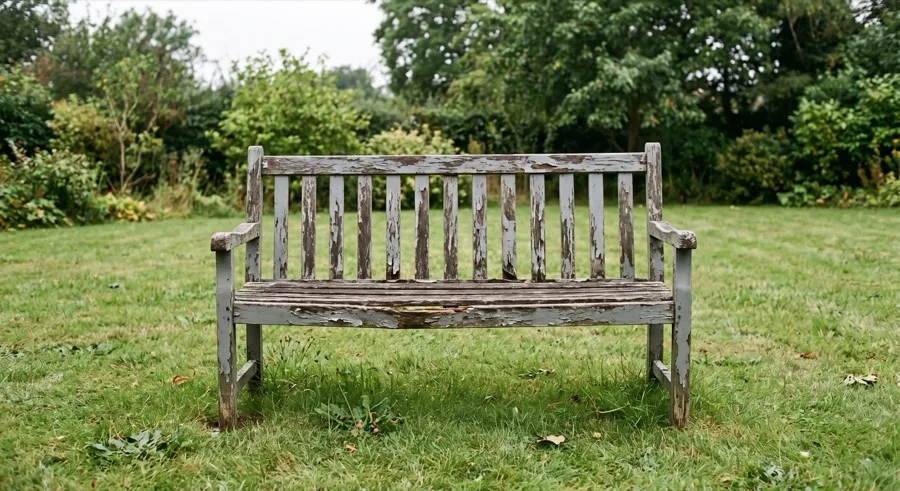
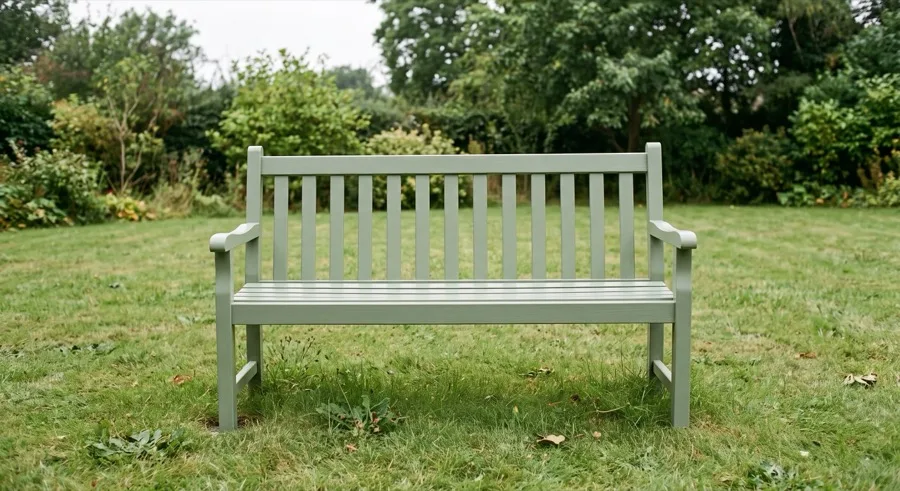
Restoration portfolio · Before / After preset
Product finish comparison · Product preset
Add up to 40 images. Natural file-name order creates pairs. Check the previews, swap sides, replace a photo, or delete a group. An odd image remains visible until you add its partner.
Set the output size, fit or crop, labels, spacing, background and an optional logo. Every preview updates with the shared style. Your logo needs to be selected again in a new session.
Try any pair free. With an active pass, images process one pair at a time into a ZIP. Pause and continue without losing completed results. A damaged image only blocks its own group.
All pairing, previews and exports happen on your device. Payment and pass checks contact our server; photos, logos, labels and file names are never sent. Closing this tab clears your images and unfinished export results.
Each batch supports 20 pairs, each input supports up to 40 MB and 32 megapixels, and each output supports up to 4096 × 2160 pixels. Large images can still strain browser memory. Resize images first if your device struggles. Encoded results stay in memory until you clear the batch or close the page.
Use the recovery code from your purchase confirmation on the restore purchase page. Your files stay on their original device. See purchase and refund details for support.